
Overview
This section details all the options available on the Advanced Options tab of the Edit Custom Post Type screen in the Pods Admin.
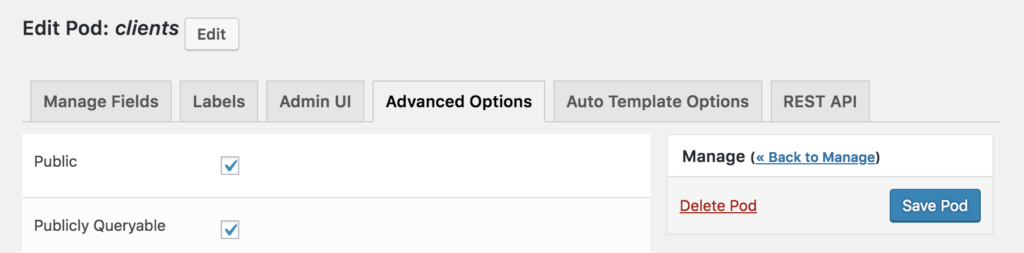
Search and Hide From Public
Public
Publicly Queryable
If you turn this particular option off (by unchecking it), Single Post Detail Pages will no longer be available for the Post Type and you will no longer see the “View” option on the Individual Post Entries.
Exclude from Search
Roles & Capabilities Settings
User Capability
Custom User Capability
Additional User Capabilities
Archive Settings
Enable Archive Page
Archive Page Slug Override
Hierarchical Post Settings
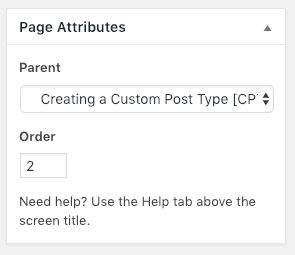 Hierarchical
Used to configured your Custom Post Type to allow the post_parent field in wp_posts. This allows you to nest posts under other posts, like Pages allows. Check this option to enable the post_parent field and the Hierarchical Post Attributes modal. Uncheck this option to not allow use of the field or the modal.
The following options for the Parent Labels will show if you select this option and this will add the Page Attributes modal to the Custom Post Type for managing Post Parents and Page Order.
If you want a plugin that makes it easy to manage Hierarchical Post Types in a visual way, check out Nested Pages.
Label: Parent <post-type>
Updates the label in the Hierarchical Post Attributes modal, specifically the label for the drop-down list of Parent Post Types.
Label: Parent
Updates the label in the Hierarchical Post Attributes modal, changing the label for the modal itself.